ZoneFoundry for Sonos

ZoneFoundry 服务器ZoneFoundry server

用一句话,控制家里的 SonosOne sentence. Every Sonos in your home.

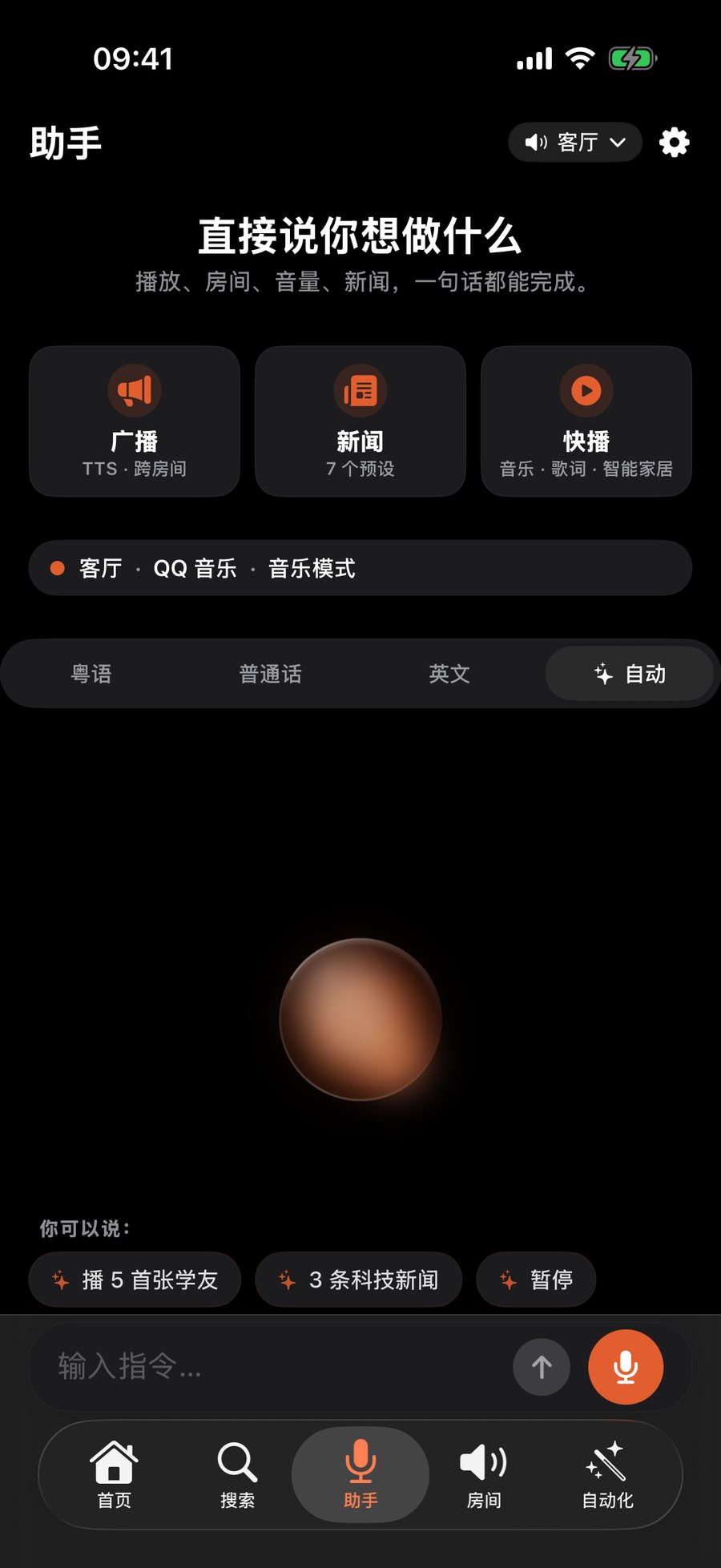
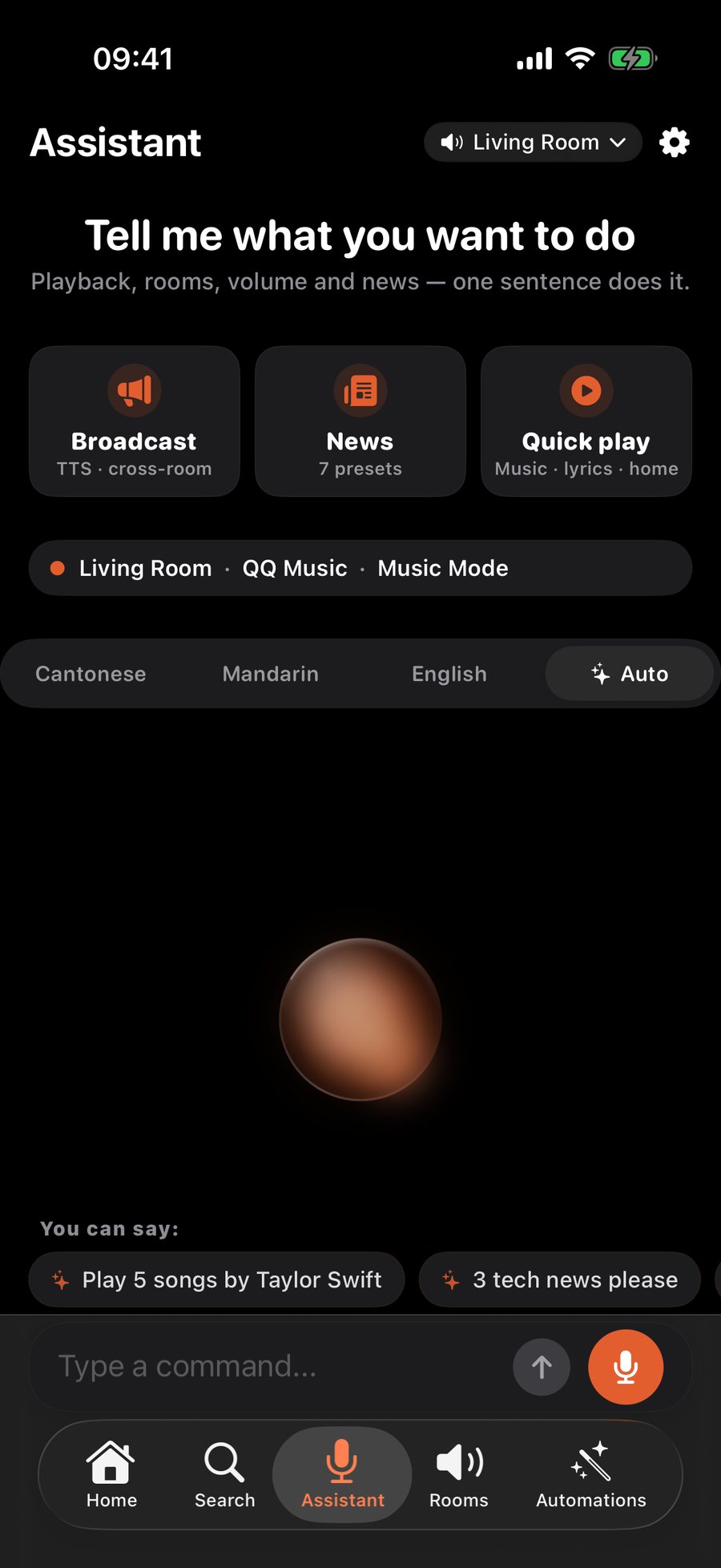
在 iPhone、微信,或者 Claude / ChatGPT 等 AI 助手里直接说,播放、调音量、多房间编组和广播都能完成。这个地址是 ZoneFoundry 的服务器,开始使用请下载 App。 Just say it — in the iPhone app, in WeChat, or in AI assistants like Claude and ChatGPT. Playback, volume, grouping rooms and announcements. This address is the ZoneFoundry server; download the app to get started.

你可以说:Try saying:
在客厅放周杰伦全屋暂停卧室音量调到 20 Play jazz in the kitchenPause everywhereBedroom volume to 20

网页简易播放器Simple web player Beta

早期版本的网页控制台:在浏览器里查看正在播放、播放 / 暂停、切歌和调音量。目前需要访问密钥登录,用 App 一键登录网页版的功能正在准备中;完整功能请用 iPhone App。 An early web console: see what’s playing, play / pause, skip and set volume from your browser. It currently needs an access key to sign in — signing in with the app is coming. For the full experience, use the iPhone app.

打开网页播放器 →Open web player →

接入 AI 助手Connect an AI assistant

在 Claude、ChatGPT、Cursor 等支持 MCP 的应用里添加下面的地址,登录后就能直接用对话控制音箱。 Add this address in Claude, ChatGPT, Cursor or any MCP client, sign in, and control your speakers by chatting.

https://relay.zonefoundry.dev/mcp
查看接入教程 →Setup guide →

服务状态Service status

服务器在线。遇到连不上或播放失败,可以先看这里的实时状态和近期事件。 The server is up. If something isn’t working, check live status and recent incidents here.

查看服务状态 →View status →